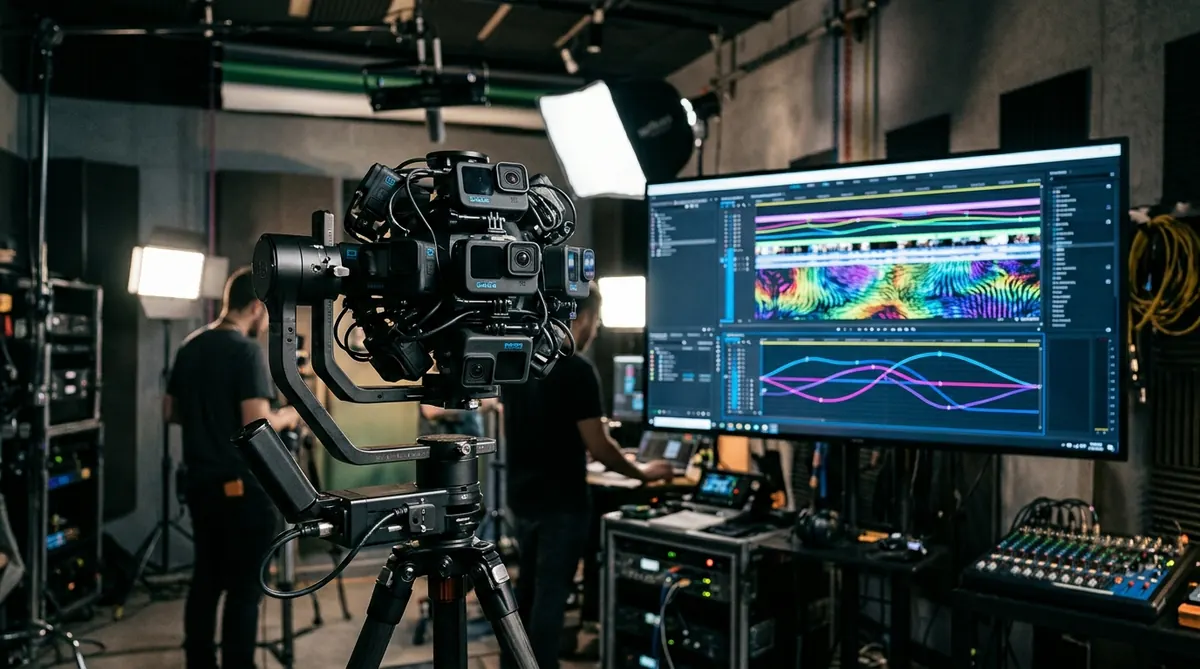
During the height of the 360-degree video boom between 2014 and 2018, Kolor Autopano Video (and its flagship sibling, Autopano Video Pro) was the undisputed industry standard for stitching multi-camera rigs into spherical video. Whether you were synchronizing a 6-camera GoPro Freedom360 mount, an official GoPro Omni cube, or custom broadcast cinema arrays, Kolor provided the core video stitching pipeline.
The Fast Answer: Unlike Autopano Giga 4.4.2—which remains completely functional and free forever via GoPro’s official public license keys—Autopano Video never received a public key and cannot be legally activated. Furthermore, its legacy 2017 video engine crashes on modern NVIDIA RTX 40/50-series GPUs and Apple Silicon Macs. Today, multi-camera cinema arrays are stitched with SGO Mistika VR, while consumer and commercial 360 video has shifted entirely to single-body 8K cameras like the Insta360 X4 with Insta360 Studio.
- 1. The True History of Kolor Autopano Video and Autopano Video Pro
- 2. Why Autopano Video Has No Official Free License Key in 2026
- 3. Why Legacy Video Stitchers Crash on Modern NVIDIA and Apple Hardware
- 4. Comprehensive Comparison — Autopano Video vs Modern 360 Video Solutions
- 5. Top Modern Alternatives for 360 Video Stitching and Production
- 6. How to Migrate and Salvage Archival Multi-Camera Footage
- 7. Frequently Asked Questions
The True History of Kolor Autopano Video and Autopano Video Pro
To understand what happened to Autopano Video, we must separate still image stitching from temporal video stitching. While still stitching analyzes a single static set of overlapping images, 360-degree video stitching requires calculating continuous optical flow across 24, 30, or 60 frames every second.
In April 2015, action camera giant GoPro acquired French software company Kolor to build out an end-to-end virtual reality production pipeline. At the core of this acquisition were two primary video software tiers:
- Autopano Video 3.0: Designed for basic multi-camera alignment, automated audio synchronization across multiple video tracks, and GPU-accelerated blending into equirectangular MP4 exports.
- Autopano Video Pro 3.0: Added support for GoPro Omni synchronized camera metadata, advanced Derez calibration, stereoscopic 3D 360 video stitching, CineForm / ProRes intermediate codecs, and direct integration with Autopano Giga as a geometry engine.
In this workflow, Autopano Video extracted reference keyframes from each video track, sent them into Autopano Giga to calculate high-precision SIFT control points and horizon leveling, and then applied those geometric distortion maps continuously over the entire video timeline. However, following GoPro’s corporate restructuring in September 2018, Kolor’s development office in Chambéry, France was abruptly closed.
Why Autopano Video Has No Official Free License Key in 2026
One of the most persistent misconceptions among panoramic creators is that Autopano Video can be unlocked for free like Autopano Giga. This is technically incorrect.
- Autopano Giga 4.4.2 & Pro: GoPro officially released permanent universal public keys upon closing Kolor. Anyone can enter those registration keys to unlock the software permanently without contacting an activation server.
- Autopano Video 3.0 & Video Pro: GoPro never released public keys for the video software. At the time of shutdown in 2018, Autopano Video Pro carried a $699 commercial price tag and required online server authorization. When Kolor’s license servers were decommissioned, legitimate activation became impossible.
Security Warning on Pirated Copies: Unofficial “cracked” or patched installers of Autopano Video floating around file-sharing sites often contain embedded trojans or cryptocurrency miners. More critically, even if you manage to bypass the license check, the 2017 video engine cannot function reliably on modern operating systems.
Why Legacy Video Stitchers Crash on Modern NVIDIA and Apple Hardware
Even if you possess an original licensed copy of Autopano Video Pro 3.0, attempting to run production video renders on contemporary 2026 hardware results in terminal errors:
| Hardware / OS Environment | Observed Failure Mode | Root Architectural Cause |
|---|---|---|
| NVIDIA RTX 40 & RTX 50 Series (Windows 11) | Crash to desktop during GPU detection or black video frames | Autopano Video relied on legacy CUDA 7.x/8.x compute architecture. Modern NVIDIA drivers deprecate compute capability < 5.0. |
| Apple Silicon M1, M2, M3, M4 (macOS Sequoia) | Immediate crash upon launch; optical flow fails to initialize | Kolor used 32-bit/64-bit OpenCL 1.2 video calls. Apple Silicon lacks native OpenCL GPU compute, and Rosetta 2 cannot translate deprecated video runtimes. |
| Modern Multi-Core CPUs (>16 Cores / 32 Threads) | Thread deadlock during audio synchronization pass | The multi-threading thread scheduler in Autopano Video 3.0 was hardcoded for older quad-core and 8-core CPU architectures. |
| Modern 10-Bit H.265 / AV1 Codecs | Import error: unsupported video stream format | The built-in video decoding libraries (vintage FFmpeg 3.x) cannot parse modern HEVC 10-bit 4:2:2 or AV1 container streams. |
Comprehensive Comparison — Autopano Video vs Modern 360 Video Solutions
The 360-degree video production ecosystem has made massive technological leaps since 2018. The comparison matrix below illustrates how modern alternatives surpass Kolor in resolution, processing speed, and automation.
| Production Criteria | Kolor Autopano Video Pro (Legacy) | SGO Mistika VR (Cinema Pro) | Insta360 Studio (Consumer/Prosumer) |
|---|---|---|---|
| Primary Target | 6-8 camera GoPro arrays | High-end multi-cam cinema rigs | Single-body dual-sensor 8K cameras |
| Stitching Technology | Static control points + basic optical flow | Real-time AI optical flow + keyframed seams | Automated AI Optical Flow & FlowState |
| Modern OS Compatibility | Windows 7/10 only (Broken on Win 11 / Mac) | Windows 10/11 & Native Apple Silicon | Windows 10/11 & Native Apple Silicon |
| Hardware Acceleration | Deprecated CUDA / OpenCL 1.2 | Modern CUDA, Direct3D, Apple Metal | Apple Media Engine & NVIDIA RTX NVENC |
| Nadir / Rig Removal | Manual masking or post-patching in Photoshop | Built-in dynamic edge and nadir patching | Automated invisible selfie stick removal |
| Pricing Model | Discontinued ($699 original) | €49/mo or €499/year subscription | Free with camera hardware ($499 camera) |
Top Modern Alternatives for 360 Video Stitching and Production
If you produce 360-degree video content in 2026, three primary platforms provide robust, reliable replacements depending on your scale and budget.
1. SGO Mistika VR — The Industry Standard for Professional Multi-Camera Stitching
Cinema Industry StandardFor VR production companies, commercial broadcasters, and VFX studios that capture spherical video using multi-camera arrays (such as RED, Sony FX, or Blackmagic cameras on spherical mounts) or pro VR cameras (like the Insta360 Titan or Kandao Obsidian), SGO Mistika VR is the premier replacement for Autopano Video Pro.
- Real-Time Optical Flow Processing: Mistika VR recalculates optical flow vectors on every frame, eliminating edge parallax and warping artifacts in real time.
- Keyframeable Stitching Seams: When an actor or moving object crosses a lens overlap boundary, you can keyframe the seam path over time, routing the seam around the subject to prevent limb cutting or distortion.
- Stereoscopic 3D Depth Matching: Full left-eye and right-eye optical alignment, convergence adjustment, and photometric color correction.
- Master Export Formats: Direct render to 8K and 12K ProRes, Avid DNxHR, and 10-bit H.265 with integrated spatial audio synchronization.
2. Insta360 Studio 2026 — The Hardware Revolution Replacing Multi-Cam Rigs
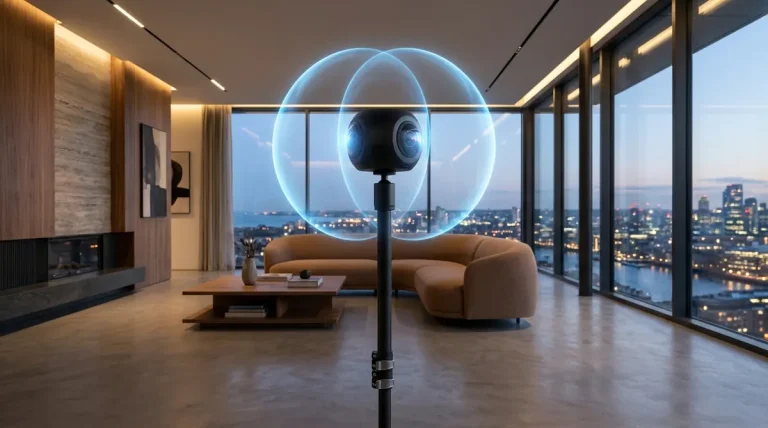
Best for Creators & Commercial Real EstateIn 2016, achieving 4K 360 video required mounting 6 GoPro cameras into an Omni rig, swapping 6 batteries, managing 6 microSD cards, and manually clapping your hands to sync audio in Autopano Video. Today, that entire physical burden has been eliminated by single-body cameras like the Insta360 X4.
- Single-File 8K 360 Capture: Records 8K at 30fps or 5.7K at 60fps directly onto a single high-speed microSD card.
- Automatic Invisible Selfie Stick: AI algorithms in Insta360 Studio calculate the optical blind spot between the dual fisheye lenses, completely erasing the mounting pole and tripod base with zero manual masking.
- FlowState Stabilization: Integrated 6-axis gyroscopes provide automated horizon leveling and cinematic stabilization without requiring hours of manual gyro keyframing.
- Free Desktop Software: Insta360 Studio is completely free for Windows and macOS, natively optimized for Apple Silicon M-series chips and NVIDIA RTX GPUs.
3. DaVinci Resolve Studio & Adobe Premiere Pro VR — Post-Stitch Finishing
Editing & Color GradingOnce your spherical video is stitched into an equirectangular projection, modern NLE suites provide full immersive VR toolsets. DaVinci Resolve Studio and Adobe Premiere Pro feature native 360 video viewers, spatial audio panning, Boris FX Mocha VR tracking, and stereoscopic color grading pipelines.
How to Migrate and Salvage Archival Multi-Camera Footage
If you have archival footage shot on legacy GoPro Omni or Freedom360 rigs, do not attempt to run old Autopano Video installers. Follow this modernization workflow to salvage your clips:
- Extract Original Source Clips: Retrieve your raw camera video files (.MP4 or .MOV) from each individual SD card archive. Ensure file naming preserves camera order (e.g.,
Cam1_001.mp4throughCam6_001.mp4). - Import into SGO Mistika VR: Download a trial or monthly license of Mistika VR. Load your camera sequence into a multi-camera preset. Mistika contains built-in optical presets for GoPro Omni, Hero4, Hero5, and Freedom360 rigs.
- Execute Audio Auto-Sync: Use Mistika’s automated audio waveform matching to synchronize the starting frame across all camera streams with sub-frame accuracy.
- Export High-Bitrate Master: Render your synchronized spherical timeline to 10-bit Apple ProRes 422 HQ or Avid DNxHR at 5760 × 2880 or 8192 × 4096 resolution. You now have a future-proof equirectangular master ready for YouTube VR, Meta Quest headsets, or interactive virtual tours.
Frequently Asked Questions
Is there a free universal license key for Autopano Video like Autopano Giga?
No. When GoPro closed Kolor in September 2018, they officially published universal registration keys exclusively for Autopano Giga 4.4.2 and Autopano Pro. Autopano Video 3.0 and Autopano Video Pro 3.0 never received public registration keys, and the legacy Kolor activation servers were permanently decommissioned.
What is the primary difference between Autopano Giga and Autopano Video?
Autopano Giga is designed specifically to stitch overlapping still photographs into high-resolution panoramas and gigapixel mosaics. In contrast, Autopano Video was an automated video synchronization and stitching application designed to combine multiple synchronized video streams from spherical multi-camera rigs into a seamless 360-degree video.
Can Autopano Video Pro run on Windows 11 or Apple Silicon Macs?
On Windows 11, the software may launch in legacy compatibility mode, but it consistently crashes or renders solid black frames whenever GPU rendering or Optical Flow is triggered on modern NVIDIA RTX 40-series and 50-series GPUs due to deprecated CUDA runtimes. On macOS Sonoma, Sequoia, and Apple Silicon (M1-M4) Macs, Autopano Video Pro will not function because legacy OpenCL 1.2 video acceleration has been removed.
What is the best modern replacement for multi-camera 360 video stitching?
SGO Mistika VR is the undisputed industry benchmark for multi-camera video stitching in 2026. It features real-time optical flow, keyframeable stitching seams, stereoscopic 3D VR alignment, and full NVIDIA RTX acceleration, far surpassing the capabilities of 2018 Kolor software.
Do I still need multi-camera GoPro rigs to shoot 360 video today?
No. Multi-camera GoPro arrays have been completely superseded by integrated dual-sensor cameras such as the Insta360 X4. Dual-lens cameras record single-file 8K 360-degree video with automated AI optical flow stitching, 6-axis gyroscopic horizon leveling, and automatic invisible selfie stick removal, eliminating the need for complex multi-card sync and stitching.