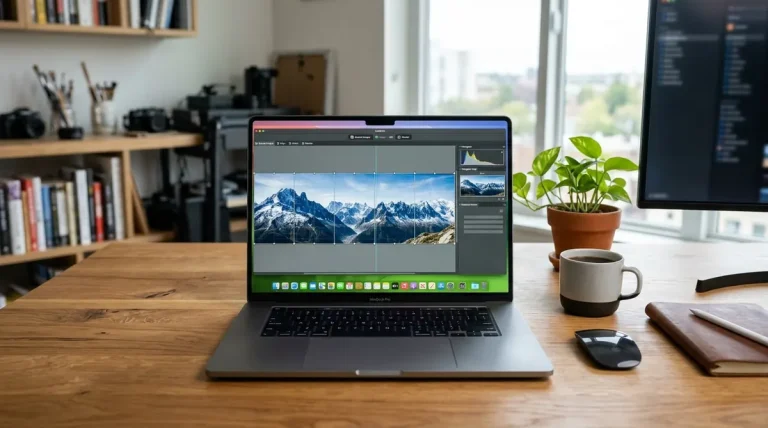
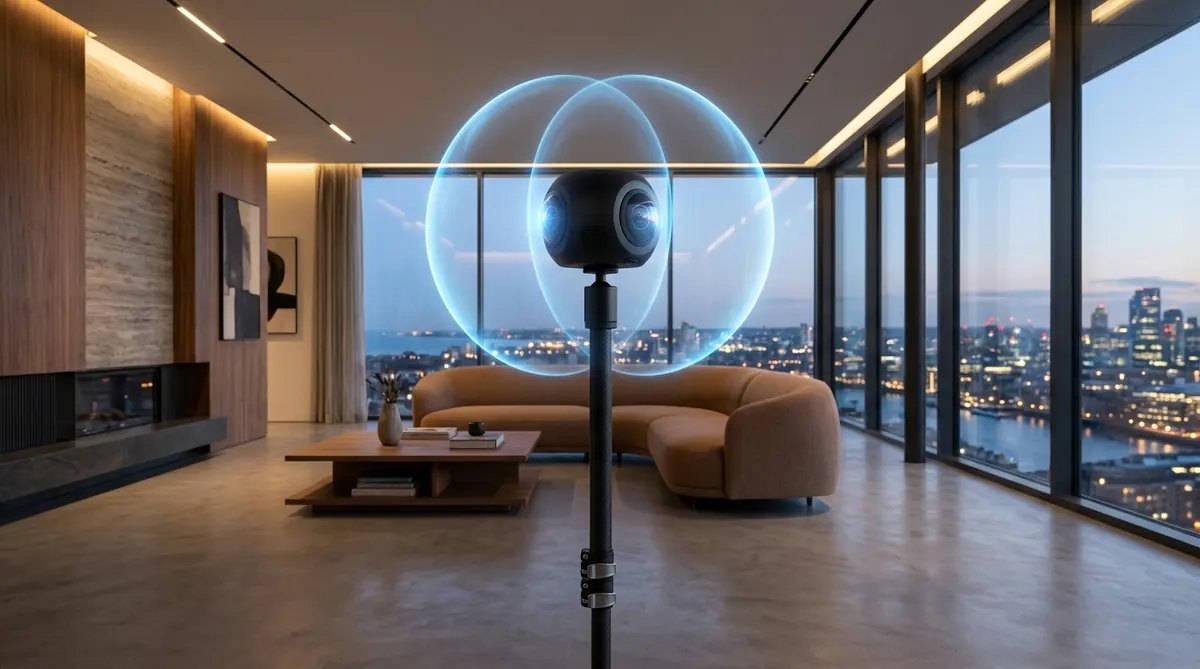
The Bottom Line: For most real estate agents, residential tour creators, and property photographers in 2026, the Insta360 X4 is the best overall 360 camera. It delivers razor-sharp 72-Megapixel 360° stills, outstanding in-camera HDR, and a seamless desktop stitching workflow at under $500. For high-end commercial architecture and low-light interiors where dynamic range is paramount, the dual 1-inch sensor Ricoh Theta Z1 remains the benchmark. If maximum print resolution is mandatory, traditional DSLR/mirrorless panoramic stitching via PTGui Pro still outperforms any standalone 360 camera.
Insta360 X4
72MP 360° stills, 8K 360 video, automated in-camera PureShot HDR, long battery life, and direct integration with major tour platforms.
Check Insta360 X4 →Ricoh Theta Z1
Dual 1.0-inch backside-illuminated CMOS sensors. Unbeatable 14-stop dynamic range in RAW DNG for shadow-heavy luxury interiors.
View Theta Z1 →Insta360 ONE RS 1-Inch
Co-engineered with Leica. Dual 1-inch sensors with 21MP PureShot HDR stills, superb low-light color, and modular durability.
Explore 1-Inch 360 →Mirrorless + Fisheye Rig
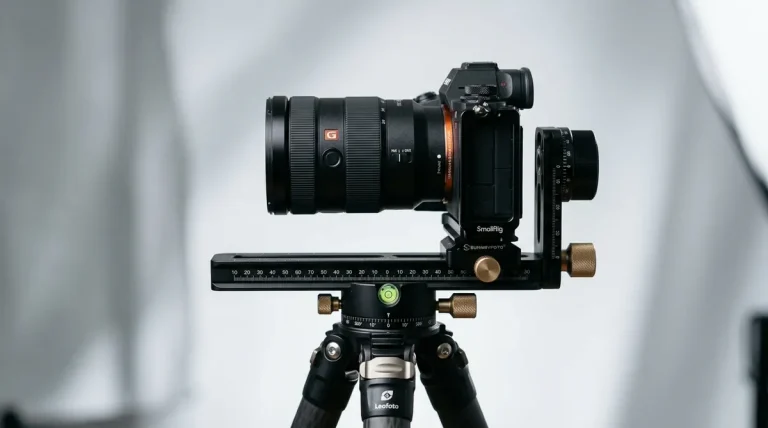
Sony/Canon full-frame camera + panoramic head. 100MP–250MP master resolution stitched via PTGui Pro for fine-art reproduction.
View PTGui Pro Workflow →Quick Comparison Matrix of Top 360 Virtual Tour Cameras
We tested each camera in identical real estate settings (bright living rooms with direct window glare, dimly lit master bedrooms, and twilight exteriors) evaluating resolution, shadow noise, workflow speed, and platform support:
| Camera Model | Sensor Size | Photo Resolution | RAW DNG Support | Tour Platform Support | 2026 Price |
|---|---|---|---|---|---|
| Insta360 X4 | Dual 1/2-inch | 72MP (11904 × 5952) | Yes (INSP / DNG) | Matterport, CloudPano, Kuula | $499 |
| Ricoh Theta Z1 | Dual 1.0-inch BSI | 23MP (6720 × 3360) | Yes (14-bit DNG RAW) | Matterport, Zillow, CloudPano | $1,049 |
| Insta360 ONE RS 1-Inch | Dual 1.0-inch Leica | 21MP (6528 × 3264) | Yes (PureShot RAW) | Matterport, CloudPano, Kuula | $799 |
| Ricoh Theta X | Dual 1/2-inch | 60MP (11008 × 5504) | JPEG only (No RAW) | Matterport, Zillow 3D, Kuula | $799 |
| Full-Frame DSLR / Mirrorless | Full Frame 35mm | 100MP – 250MP+ | Full 14-bit Uncompressed | Universal (Any Web Tour Engine) | $2,000 – $4,500+ |
1. Insta360 X4 — Best Overall 360 Camera for Virtual Tours
Insta360 X4
The Insta360 X4 represents a substantial leap over its predecessors (X2 and X3). While primarily marketed as an action camera, its new 5nm AI chip, enlarged battery (2290mAh), and upgraded 72-Megapixel still capture mode make it the most versatile and cost-effective virtual tour tool available in 2026.
When shooting interiors, the X4’s PureShot HDR mode captures multiple exposure brackets in a single shutter press and fuses them via on-board computational photography. In our testing, the resulting 72MP equirectangular files exhibit crisp sharpness across cabinetry and flooring textures, while maintaining clean window highlight retention.
- 72MP still resolution delivers noticeable clarity when zooming into rooms
- PureShot HDR handles high-contrast window blowouts effectively
- Substantially improved battery life (135+ minutes per charge)
- Seamless native integration with Matterport, CloudPano, and Kuula apps
- Removable lens guards protect exposed fisheye elements on construction sites
- 1/2-inch sensors generate minor chrominance noise in dark basements
- 72MP DNG processing requires Insta360 Studio desktop software for peak fidelity
2. Ricoh Theta Z1 — The Undisputed Professional Quality Standard
Ricoh Theta Z1
Despite being on the market for several years, the Ricoh Theta Z1 remains the gold standard for professional real estate and commercial interior virtual tours. The reason is purely optical: it is equipped with dual 1.0-inch backside-illuminated (BSI) CMOS sensors and a variable tri-aperture system (f/2.1, f/3.5, f/5.6).
While its 23MP raw resolution appears lower on paper than the X4’s 72MP marketing spec, the Z1’s physical sensor area is nearly four times larger per pixel. When paired with the DualFisheye bracket plug-in, the Z1 captures up to 9 uncompressed 14-bit DNG RAW frames, which can be stitched via the Ricoh Stitcher in Adobe Lightroom Classic. The dynamic range, micro-contrast, and shadow cleanliness in luxury interiors remain unmatched by any consumer 360 camera.
- Dual 1-inch BSI sensors provide 14 stops of usable dynamic range
- 14-bit uncompressed DNG RAW files integrate seamlessly into Lightroom Classic
- Variable aperture (f/2.1, f/3.5, f/5.6) prevents optical diffraction softness
- Supported natively by Matterport for high-resolution residential scans
- Expensive ($1,049+) compared to general consumer cameras
- Fixed internal 51GB storage (no MicroSD expansion slot)
- Shorter battery life requiring an external USB-C power bank on large shoots
3. Insta360 ONE RS 1-Inch 360 — Premium Leica Optics
Insta360 ONE RS 1-Inch 360 Edition
Co-engineered with Leica, the Insta360 ONE RS 1-Inch 360 Edition combines dual 1-inch sensors with Leica’s optical lens coatings. It bridges the gap between the compact portability of the X4 and the sensor physics of the Theta Z1.
Capturing 21MP PureShot RAW stills, the camera excels at suppressing optical chromatic aberrations around bright window mullions. Unlike the Theta Z1, it features a MicroSD slot for unlimited storage and a swappable battery base. However, its modular form factor makes it top-heavy, requiring a sturdy light stand to avoid toppling during breezy exterior shots.
- Dual 1-inch Leica optics with minimal flare and chromatic fringing
- MicroSD card slot supports high-capacity 512GB cards
- Swappable battery base for all-day property shoots
- Matterport and CloudPano native mobile compatibility
- Bulkier vertical form factor requires heavier tripod counterbalance
- Non-removable lens elements require careful handling in transit
4. Ricoh Theta X — Fast Turnaround with On-Camera Touchscreen
Ricoh Theta X
The Ricoh Theta X was designed specifically for high-speed commercial workflows where turnaround time trumps deep raw post-processing. Its prominent 2.25-inch full-color touchscreen allows operators to configure settings, review exposures, and manage shoots without relying on a smartphone companion app.
The Theta X outputs sharp 60-Megapixel in-camera stitched JPEGs directly to a MicroSD card. However, because it lacks uncompressed RAW DNG capture, high-contrast interiors with intense sunlight can blow out window details that a Theta Z1 or X4 PureShot can easily preserve.
- Large 2.25-inch color LCD touchscreen enables standalone operation
- Immediate 60MP in-camera stitching with zero computer processing delay
- Swappable battery and MicroSD card slot
- GPS receiver built into camera body for Google Street View mapping
- JPEG-only capture limits shadow recovery in dim rooms
- Smaller 1/2-inch sensors compared to the Z1
360 Cameras vs DSLR Mirrorless Stitching — Which Should You Choose
One of the most frequent debates among virtual tour creators is whether to invest in a one-click 360 camera or assemble panoramas using a traditional mirrorless/DSLR camera on a panoramic tripod head. The choice hinges on speed versus master resolution:
| Workflow Factor | One-Click 360 Camera (X4 / Z1) | Mirrorless + Panoramic Head + PTGui |
|---|---|---|
| Capture Time per Room | 10 – 30 seconds (1 click) | 2 – 4 minutes (4 to 8 rotational shots) |
| 3,000 sq ft House Shoot Time | 15 – 25 minutes total | 75 – 120 minutes total |
| Output Image Resolution | 21MP – 72MP | 100MP – 300MP+ (Pixel-sharp zoom) |
| Dynamic Range Latitude | 10 – 14 stops (HDR fused) | 15 – 18+ stops (32-bit linear DNG HDR) |
| Stitching Labor | Instant or automated batch | Requires PTGui Pro alignment |
| Best Suited For | Residential real estate, volume virtual tours | Luxury estates, commercial architecture, print |
The Recommendation: If you are paid $150 to $350 for a standard residential real estate tour, a one-click 360 camera like the Insta360 X4 is an obvious choice: it lets you capture an entire home in 20 minutes and upload directly to Matterport or CloudPano. However, if you are shooting an architectural portfolio, luxury hotel, or museum where clients zoom in to inspect wall artwork and finish textures, use a full-frame mirrorless camera on a Nodal Ninja panoramic head and stitch in PTGui Pro 13.
The 5-Step Virtual Tour Shooting and Stitching Workflow
Follow this standardized field protocol to capture clean, commercial-grade virtual tour nodes:
- Use a Lightweight Monopod or Light Stand: Standard bulky tripod legs create massive nadir shadows. Mount your 360 camera on a slender light stand or carbon monopod with a weighted low-profile base.
- Set Lens Height to Eye Level: For residential interiors, position the optical center between 4.5 and 5.0 feet (135–150 cm). This mimics natural human eye height when standing and prevents ceilings from feeling cavernous.
- Hide from the Line of Sight: Use your smartphone’s Wi-Fi app or set a 5-second self-timer so you can step around a doorway or behind a partition wall during exposure.
- Erase the Nadir Footprint: To remove the small tripod stand beneath the camera, follow our dedicated guide on How to Remove Tripods from 360 Photos using Photoshop patch tools or PTGui Viewpoint correction.
- Publish and Host Your Tour: Export your 2:1 equirectangular JPEG or DNG files and upload them to your tour hosting engine. Learn how to configure hotspots and interactive links in our guide to Virtual Tour Software for Real Estate.
Frequently Asked Questions About 360 Virtual Tour Cameras
Can I use an iPhone or Android phone instead of buying a 360 camera?
Smartphone scanning apps (like Matterport Axis) can capture panoramas, but require spinning your phone through dozens of angled shots per room. The process takes 3–5 minutes per room, produces noticeable parallax seam errors on floors and doorframes, and lacks the dynamic range of dedicated 360 cameras.
What resolution is required for Google Street View and Matterport?
Google Street View requires a minimum 2:1 equirectangular resolution of 4K (3840 × 1920) or 5.7K, though 8K (7680 × 3840) or higher is strongly recommended. Both the Insta360 X4 (72MP) and Ricoh Theta Z1 (23MP) exceed all platform certification minimums.
Why do 360 cameras struggle with bright windows?
Because 360 cameras capture all 360 degrees simultaneously, they frequently face a dim interior corner and direct sunlight in the exact same frame—a scene spanning 14+ stops of contrast. Using multi-exposure RAW brackets (such as Theta Z1 DNG or X4 PureShot HDR) is crucial to recover blown highlights.
How do I remove the tripod at the bottom of my 360 photos?
You can overlay a branded circular logo (“nadir cap”) to hide the tripod, use Photoshop’s Generative Fill / Healing brush, or take a separate handheld ground photo and align it using Viewpoint Correction in PTGui Pro.
Is the Insta360 X4 worth upgrading from an X3 or X2?
Yes. The jump from 18MP/72MP interpolated on the X3 to the native 72MP AI-powered pipeline on the X4 results in significantly cleaner architectural lines, better window HDR blending, and longer battery life.